 GrantTap
Getting started · 2026-09-24 · 5 min read
Connect your iPhone without another account
The computer shows the pairing QR. The phone scans it. A Project invitation is a different action.
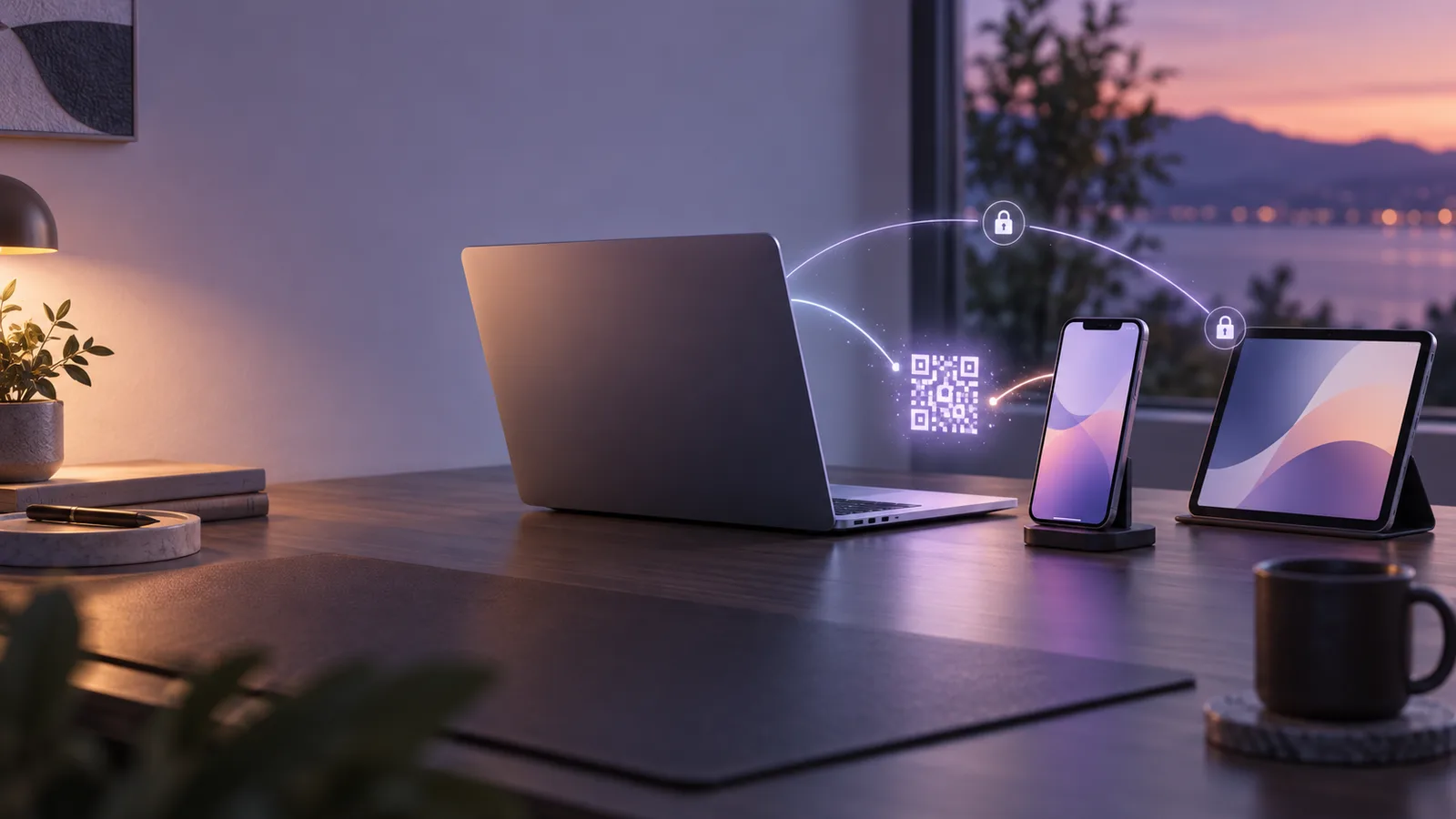
GrantTap connects a phone to a local computer that already runs your coding tools. You do not need to add GrantTap under Codex Connected accounts, and a chat message cannot substitute for device pairing. The connection must be confirmed through the local GrantTap helper and the phone.
Think of this as adding a trusted controller to a computer. A Mesh Project is a later collaboration scope; joining one does not pair a device to the computer network.
Start on the computer
Install the compatible GrantTap plugin and granttap-mcp runtime, then run granttap setup. Open the GrantTap Connection card in the coding app or granttap.com/connect on that same computer. Choose Add a device. The computer displays a short-lived, one-time QR; it should never be pasted into chat or a support ticket.
If the card cannot contact the helper, check that the local helper is running and the plugin uses the same protocol version. A relay being online only proves one part of the route. It does not prove that an approval hook, background sync, or this phone is ready.
Finish on the phone
In GrantTap on iPhone or iPad, open Settings → Connections → Add a device (Scan QR). Scan the code shown by the computer and confirm the computer identity on both sides. The computer then appears in Connections. Repeat the same process for each additional Mac or PC; scanning a second computer adds a link rather than replacing the first.
An already trusted phone may show an expiring QR for another controller in its Settings. That joins another iPhone or iPad to the device network. It is separate from inviting a person into a particular Project, which has its own role and access choices.
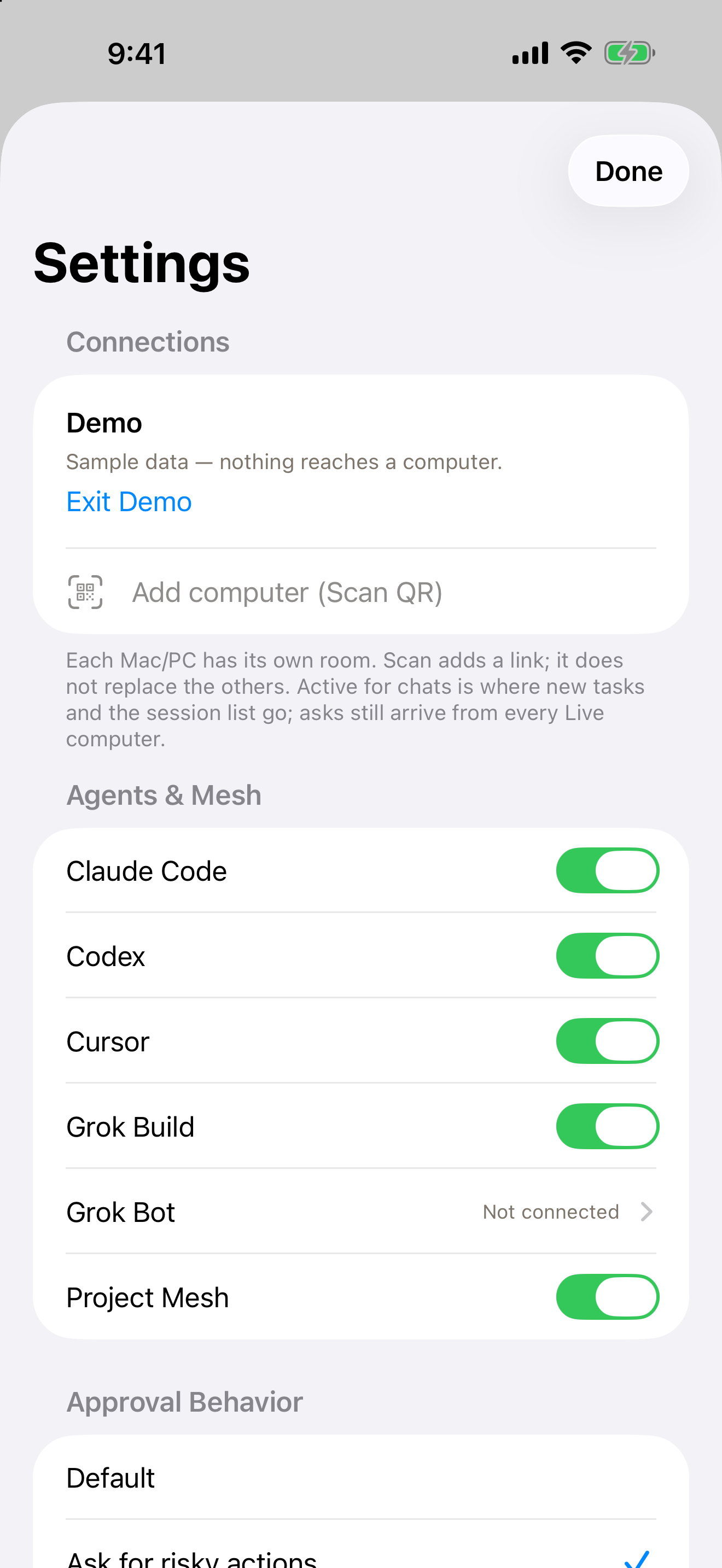
Check the whole path
After pairing, verify that the computer reports Live, that the intended coding app has its GrantTap hooks or plugin active, and that a real task event reaches the phone. A saved pairing record and a green relay light alone are insufficient. If a coding app was open before installation, restart that app so it loads the new integration.
Keep the QR private until it expires. If the wrong device was added, revoke that link in Connections and pair again with a fresh code. Do not share an entire Mesh Project merely to make a phone able to manage your own computers.