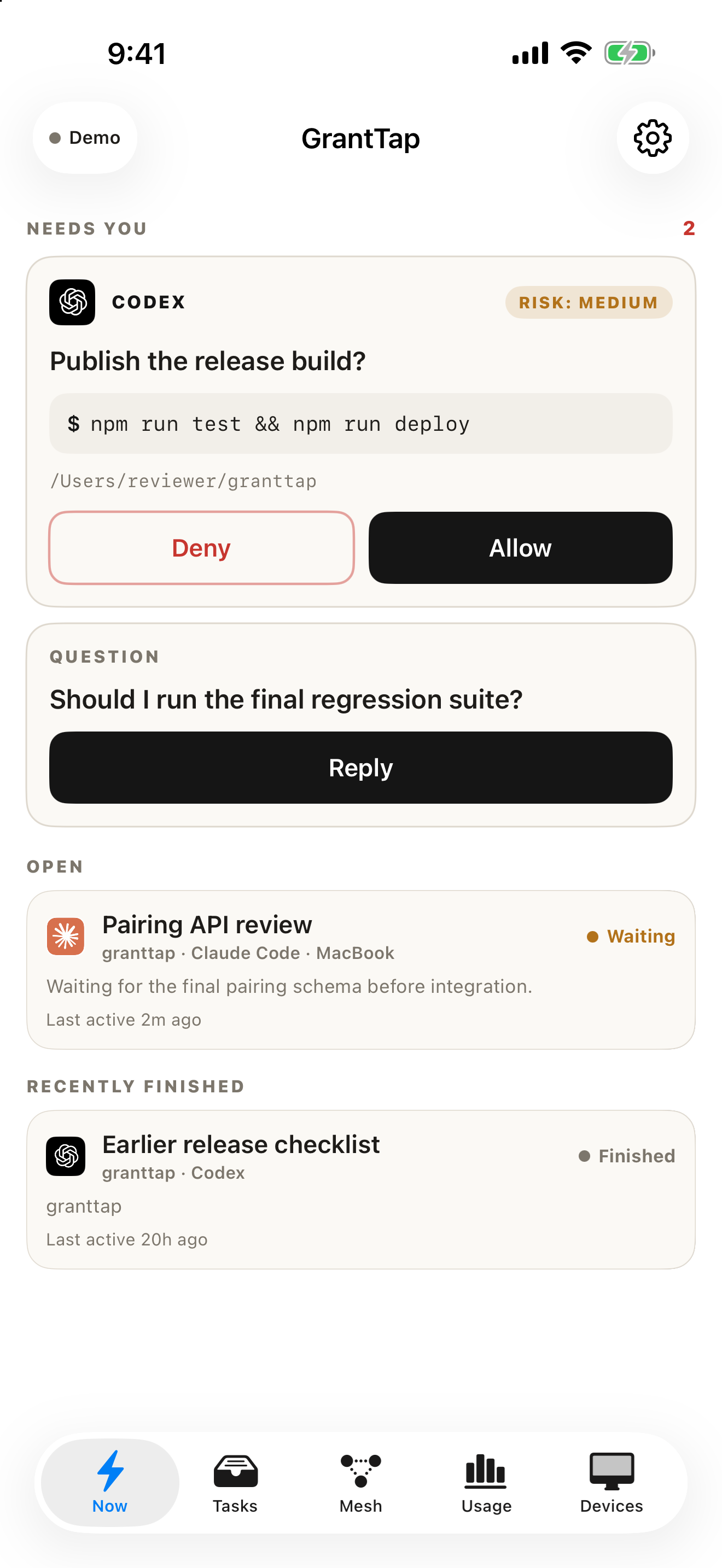
Needs You comes first
Approvals, agent questions and failed deliveries appear before everything else, with the computer and agent that asked.
 GrantTap
iPhone · iPad · Apple Watch
Your coding agents keep working on your computers. GrantTap puts their Tasks, questions and approvals in your pocket, so you can step in from anywhere and pick up the same conversation.
GrantTap 1.0 for iPhone and iPad is a free download on the App Store. Subscriptions are purchased through Apple in the app. Version 1.0.1 was submitted to App Review on November 14, 2026.
Approvals, agent questions and failed deliveries appear before everything else, with the computer and agent that asked.
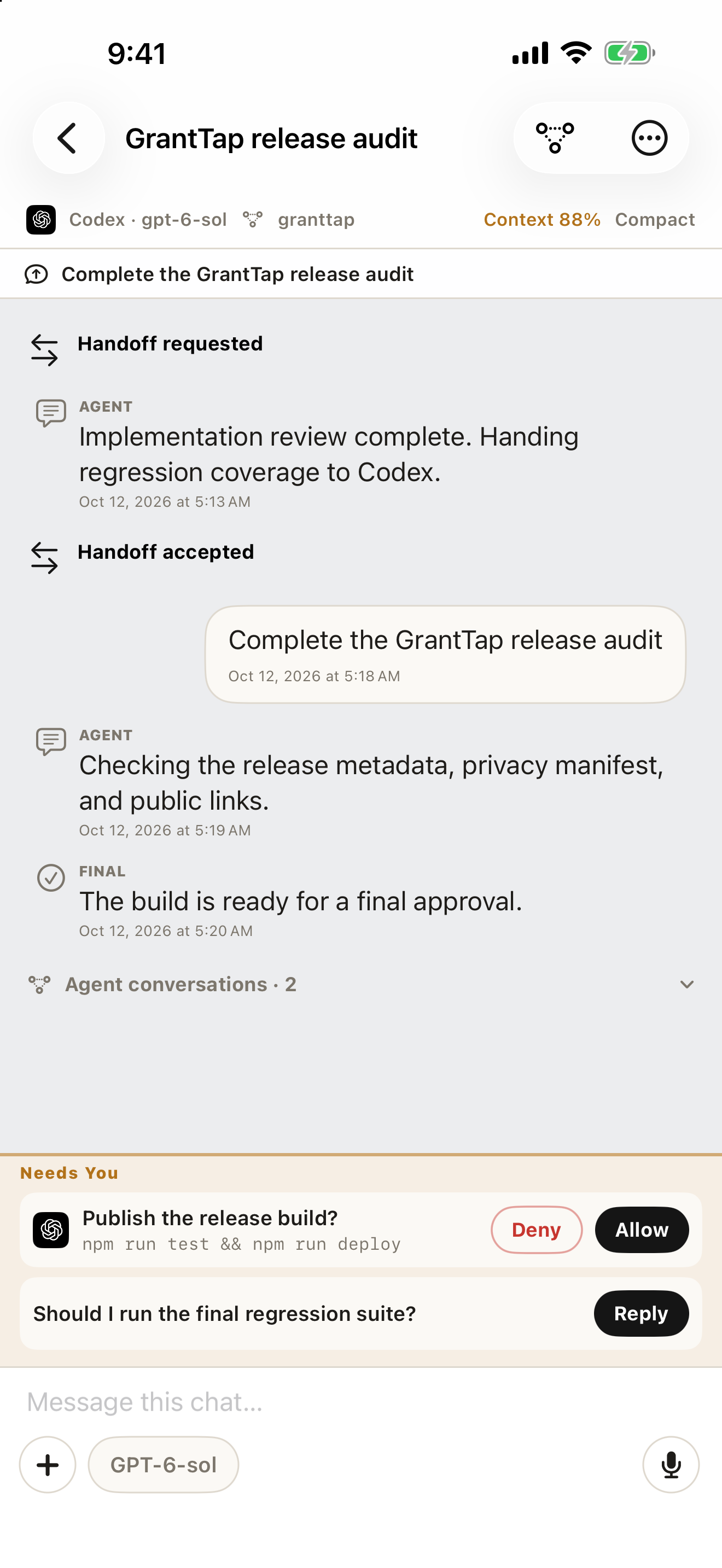
Pick single or multiple choices in Claude question menus, type a custom answer, or allow and deny an action after reading its parameters.
Send the next turn by text, voice, photo or file. Long progress notes stay folded, and the chat's model sits beside the composer.
A small ring next to the model shows how much of the provider's subscription window is left. Tap it for each window's reset time.
Mesh Governance allows, asks or denies skills, MCP servers and shell. Auto allow for one chat counts only after the computer confirms it.
Open the repository Graph and code towers once the local Engine has analyzed a bound repository.
Use a passkey, scan a one-time QR, or sign in with a username and password. QR pairing also works without an account.
Agents and provider logins stay on your computers. The relay carries end-to-end encrypted messages it cannot read. No ads or tracking.
Actual GrantTap screens captured with deterministic sample work. No private task, repository or pairing key appears in them.


The app is free. Managed connection plans start at $4.99 a month for two computers; Apple shows local prices and any eligible seven-day trial. Models and tokens stay with your coding provider.
No. GrantTap controls the coding agents you already run, such as Claude Code and Codex. Model access and charges stay with your provider account, and GrantTap does not proxy model traffic.
Claude Code and Codex are the primary integrations. Cursor and Grok Build are supported with the capabilities their installed tools expose; each agent's guide lists the limits.
No. Agents run on your computers. Messages between your devices and computers pass the relay end to end encrypted; the relay sees routing metadata and ciphertext only.
A computer with Node.js 22.13 or later, a signed-in coding agent and the GrantTap helper from npm. The Mac app can also act as a controller without the helper.
Yes, as a companion through the paired iPhone: glance at recent Tasks, approve or deny a request, or reply by voice.