Managed client
Included in active Personal on your account. No separate Mac Local purchase is needed for managed access. A controller-only Mac does not use a publishing-computer seat.
 GrantTap
Mac · SwiftUI
Your coding-agent tasks, history and project rules on Mac, with linked iPhone and iPad clients.
Available in TestFlight by invitation. The first commercial release and its paid products are being prepared.
Included in active Personal on your account. No separate Mac Local purchase is needed for managed access. A controller-only Mac does not use a publishing-computer seat.
A one-time license for local control and your own relay. No Personal subscription is required for that mode. Managed hosting is not included; you provide a reachable TLS endpoint or VPN and your infrastructure.
These are planned US prices for the first release. Apple’s purchase sheet controls availability and local pricing.
Compare plans and termsScreens captured from the signed Mac Catalyst SwiftUI app with deterministic sample work. They contain no customer tasks or private credentials.
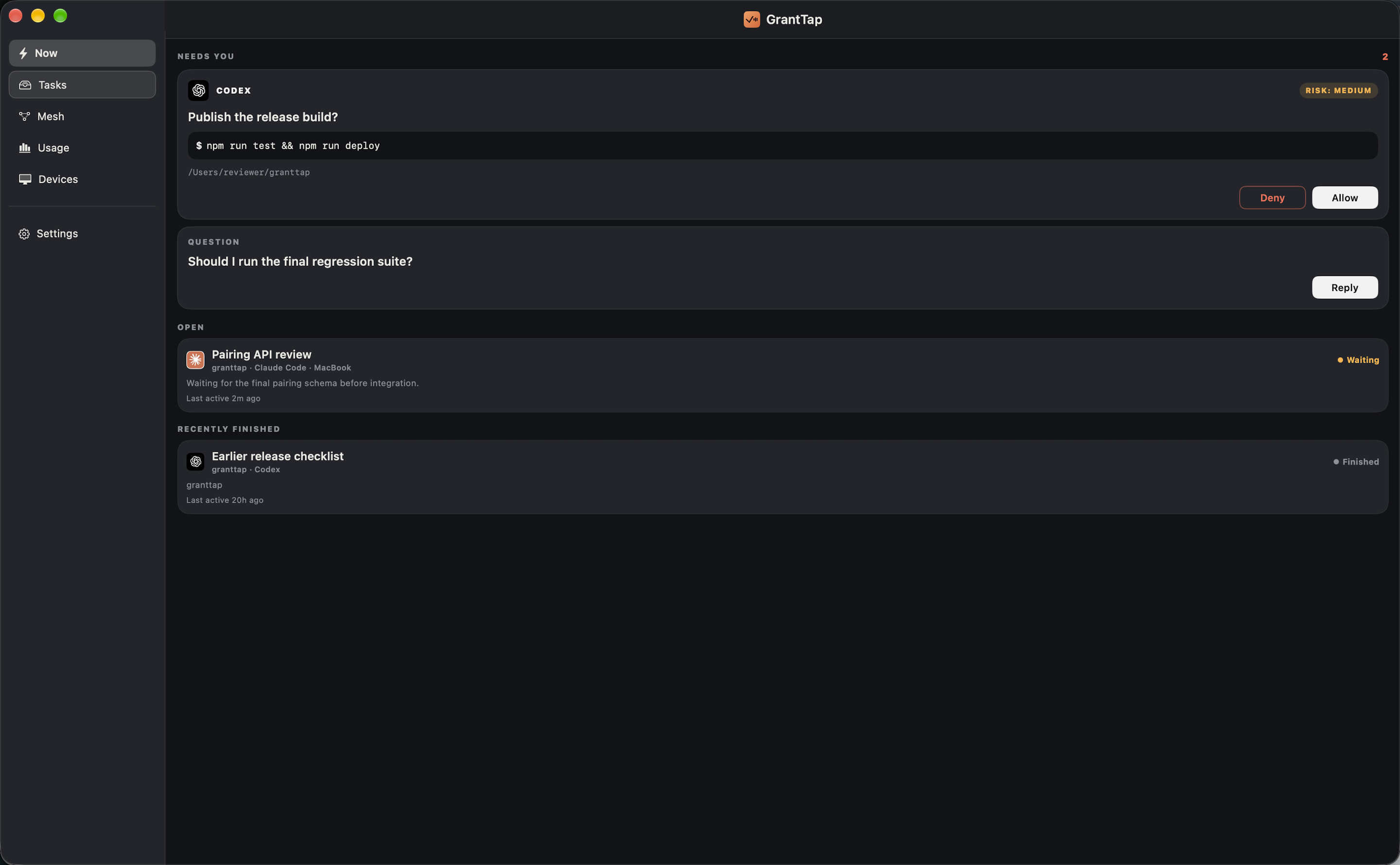
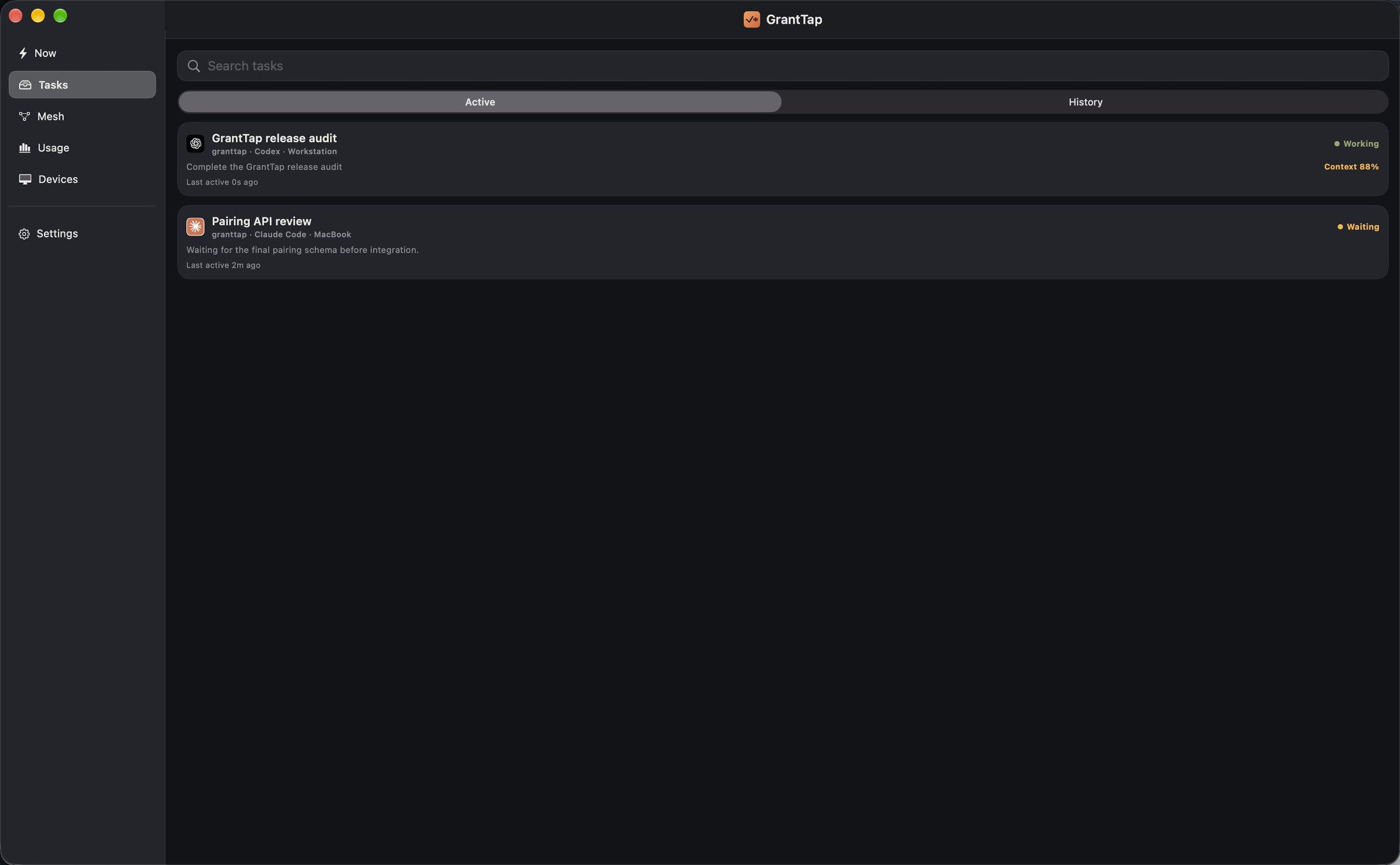
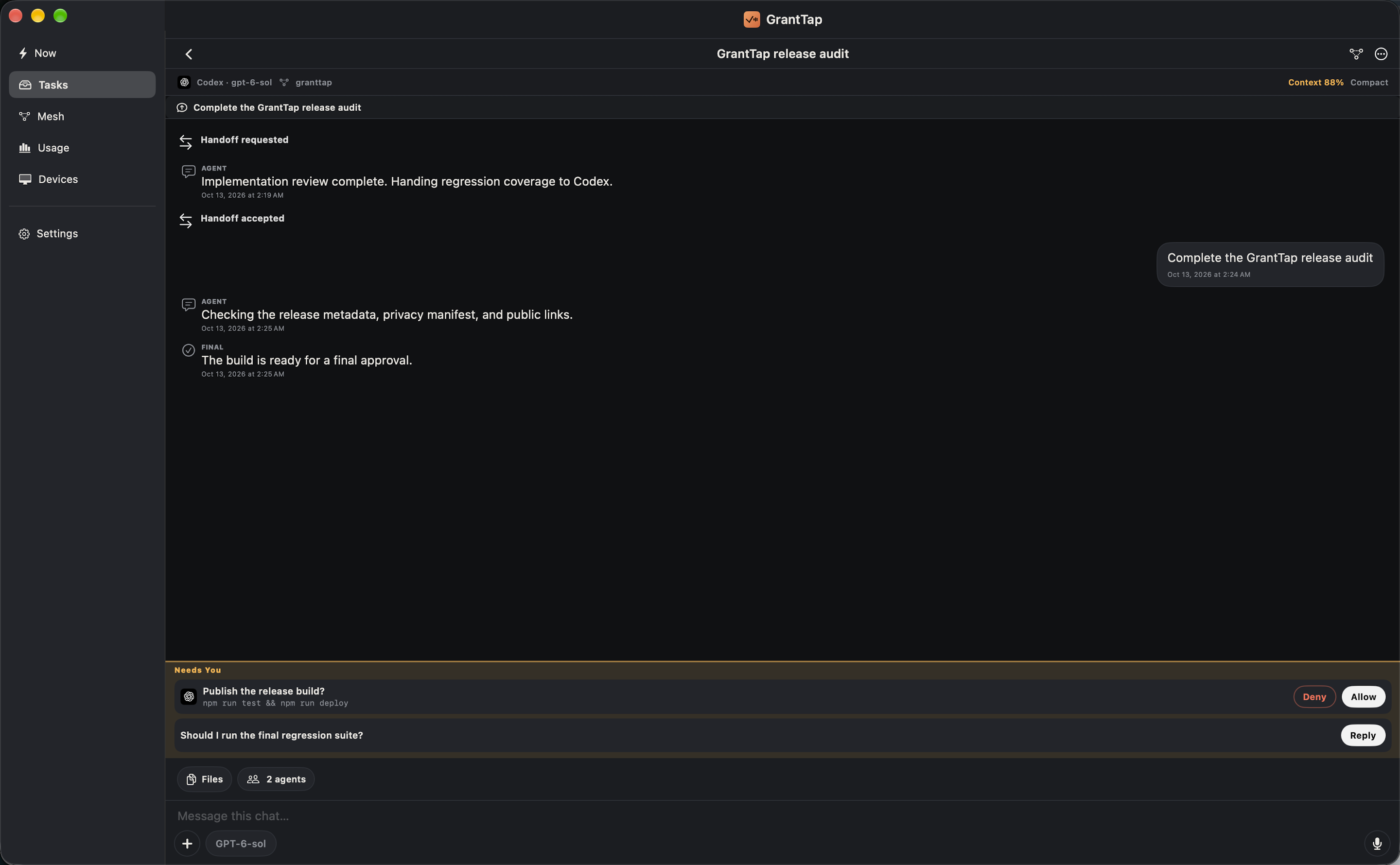
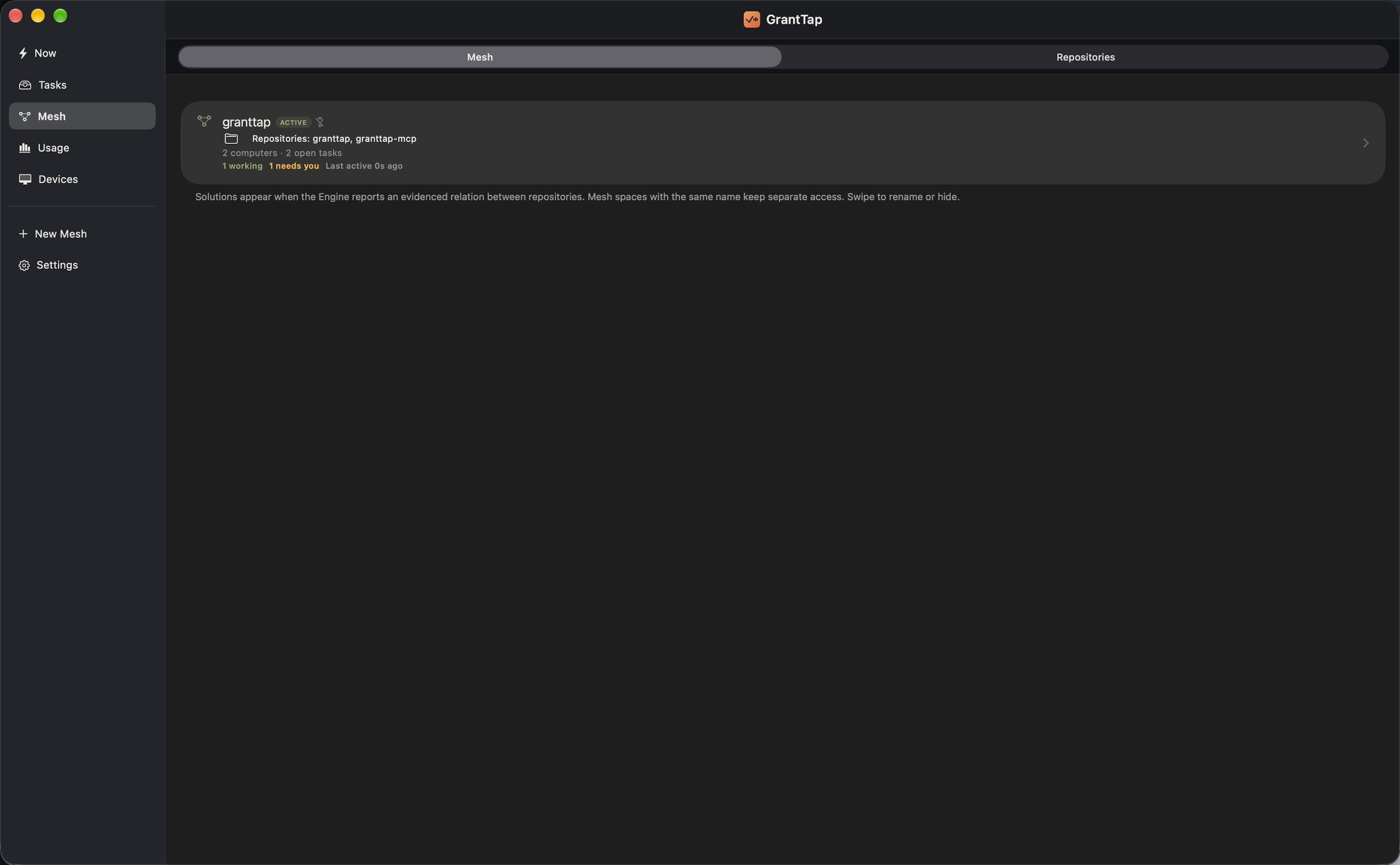
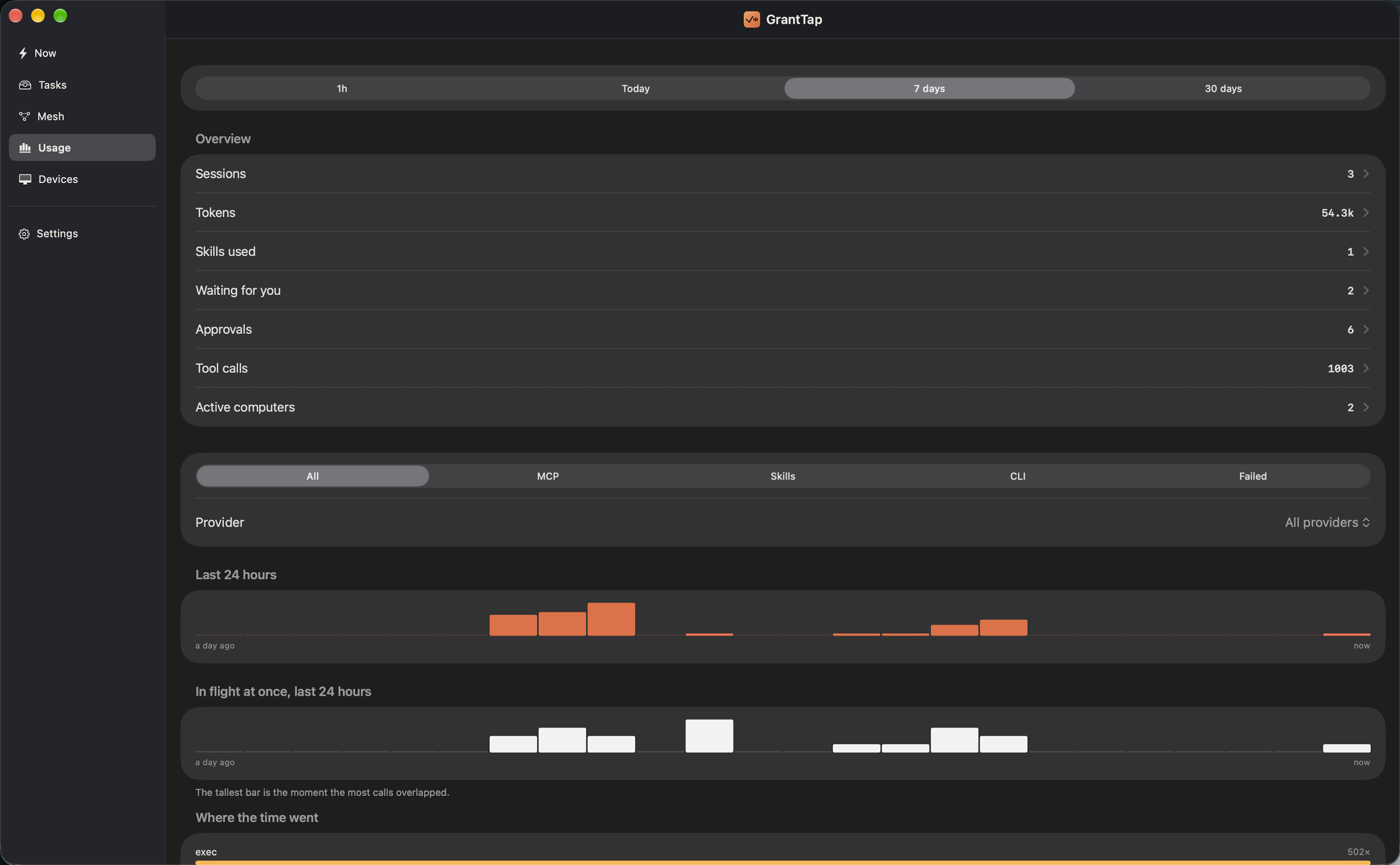
The iPhone, iPad and Mac apps share task, Mesh and Usage views. The Mac app can inspect local agent work only when its separate MCP helper is running and local access has been approved.