Landscape · · 8 min read
Coding agents on your phone: what each approach controls
Claude Code, Codex, and Cursor already offer mobile paths. The useful comparison is where the agent runs and what you can verify.

Mobile control of coding agents is no longer a blank market. Claude Code has Remote Control, OpenAI describes Codex in ChatGPT mobile as a preview, and Cursor offers a native iOS app with cloud agents and Remote Control. GrantTap has to earn its place through a different coordination boundary, not by pretending those tools lack a phone experience.
The details below reflect official product documentation checked on October 3, 2026. Availability and plan terms can change; follow each provider's current documentation before choosing a workflow.
The provider-native paths
Claude Code Remote Control connects the Claude app or claude.ai/code to a session associated with your computer. OpenAI's Codex mobile experience loads live state from connected machines and handles threads, approvals, and project context. Cursor for iOS starts and reviews cloud agents and can direct a local computer through Remote Control; its docs say the agent loop moves to Cursor's cloud while tools execute on the computer.
These are substantial products. For work centered on one provider, its native surface may be the shortest route. Their routes have distinct requirements: Claude Remote Control needs an eligible account and an available local process; Cursor's local tools need an online computer while its agent loop uses cloud storage. It would be inaccurate to describe either as simply a remote terminal.

What GrantTap coordinates
GrantTap follows a Task across supported provider executions and computers. It brings decisions, delivery state, capability policy, and observed usage around that Task. Claude Code and Codex have the deepest integrations; Cursor joins the view with a more limited control path. Compare the exact action you need, because a provider's own mobile client may offer features GrantTap does not.
This is a complementary choice for people who use more than one coding provider and want a consistent local control view. It does not replace the providers' models, subscriptions, or native review tools. GrantTap's relay carries encrypted envelopes between authorized devices; that is a different data path from each provider's own service.
Compare the right questions
Ask where the agent loop runs, where file tools execute, what must be online, which service receives model context, and whether an approval is enforced by the host or only displayed in a UI. Then ask if you can move a piece of work between providers without losing the human-visible objective.
The best choice depends on your workflow. A single-provider session may be simplest in its native app. A cross-provider local workflow benefits from stable Task identity and explicit handoff, provided every integration reports its actual limits honestly.
Start with where work runs
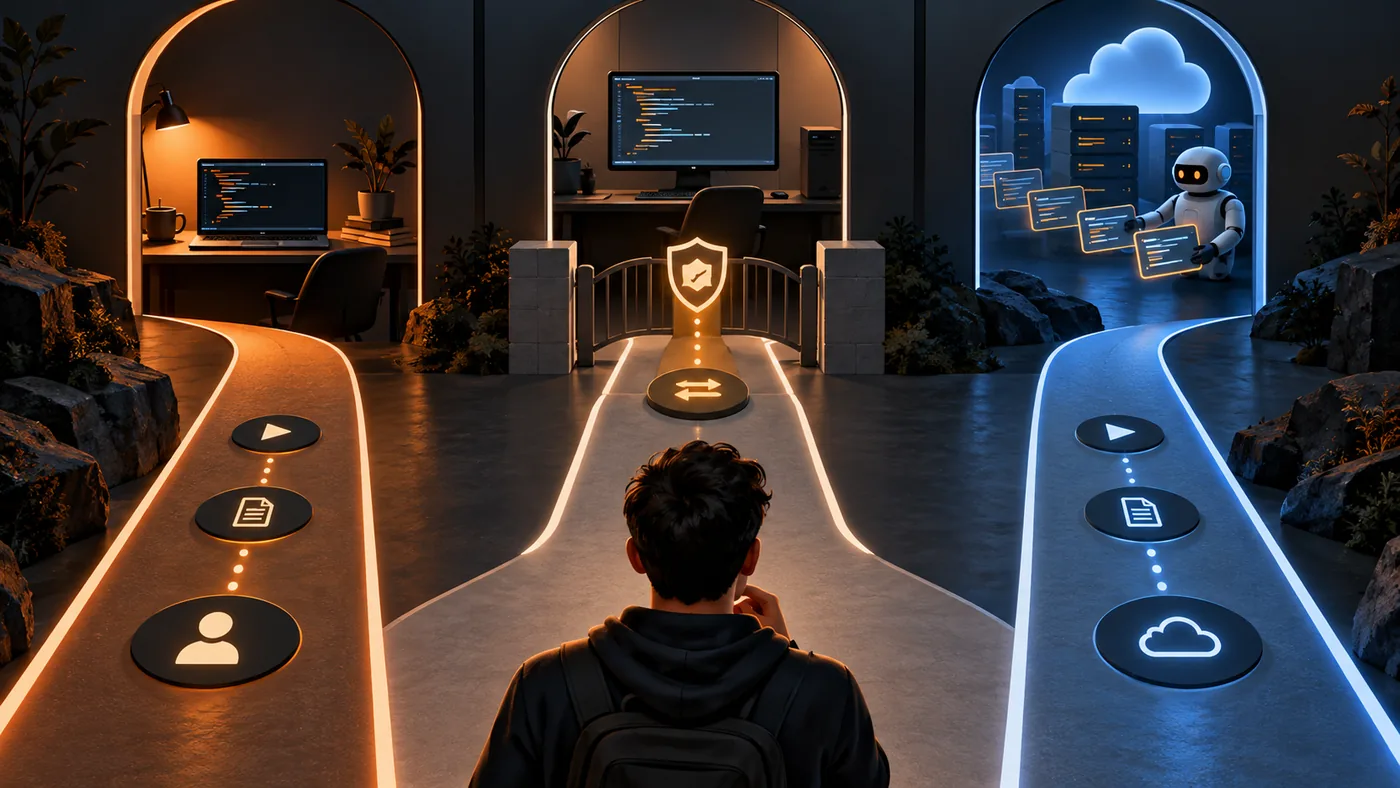
‘Use an agent from a phone’ can describe very different systems. The phone might control a session on your computer, view a session hosted elsewhere, or start a cloud agent whose tools reach back to a local machine. Those differences affect what happens when your laptop sleeps, which service receives context, and where an approval must be enforced. A comparison based only on mobile screenshots misses the operating boundary that determines the user experience.
The provider documentation linked below is the right place to check current eligibility, plan conditions, and setup details. This article was checked on October 3, 2026, so it should be read as a dated comparison rather than a permanent price or capability matrix. A native app can change quickly. The durable method is to ask the same execution, authority, and continuity questions of each option before moving real work.
Claude Code's remote session
Claude Code Remote Control connects a remote client to work associated with a local Claude Code process. The local environment remains relevant: its availability and session state affect what the person can do from the phone. This is attractive when the developer already works primarily in Claude Code and wants the provider's native presentation. The documentation describes the supported account and connection path; verify those requirements before relying on a commute-time workflow.
The important question is not whether the client has a polished chat view. Ask what happens if the computer sleeps, which approvals can be handled remotely, and whether the session can continue when the local process disappears. Do not infer cross-provider Task identity from a Claude-native session. GrantTap can coordinate a broader human-visible Task, but it does not make Claude's own remote semantics disappear or expand them beyond documented behavior.
Codex's connected work
OpenAI describes Codex mobile access as a preview with live state from connected machines, threads, approvals, and project context. For someone already invested in Codex, that native route can be the most direct way to inspect work. Preview status matters: availability and exact behavior may evolve. Treat the provider announcement as a snapshot and check its current product documentation for the setup used by your account.
A connected thread is still a provider-native concept. If the same human objective later moves to another coding provider, someone must preserve the decision trail and repository context explicitly. That is the coordination problem GrantTap addresses. It should complement the provider's native review and approval surfaces, not imply that those surfaces are missing or that a cross-provider handoff copies hidden session reasoning.
Cursor's cloud and local routes
Cursor for iOS offers cloud agents and a Remote Control route. Its documentation says the agent loop can run in Cursor's cloud while tools execute on a connected computer. That is a meaningful architectural difference from a simple screen-share or terminal mirror. It affects which component must stay online and where parts of the conversation or state are held. If local tools are required, inspect the computer's availability as well as the mobile app's connectivity.
Cursor is a substantial native choice, especially for a workflow already centered on its editor and cloud agents. GrantTap brings supported local Cursor work into the shared Task view, with a narrower control path than Claude Code and Codex. Compare the specific action you need: a feature in Cursor's own iOS app is not automatically a feature in GrantTap's Cursor integration, and the reverse is also true.
Compare approvals and evidence
A mobile approval is meaningful only if it reaches the process that performs the action under a rule that process enforces. Ask each product where the tool action happens, which computer or cloud worker applies the decision, and what evidence remains afterward. A status saying ‘approved’ is not a record that a command ran successfully. A delivered message is not a tested code change. These distinctions matter more than the number of buttons shown on a phone.
Also inspect the repository boundary. If an agent moves between a laptop and desktop, are the checkouts at the same revision? Can the client identify the intended project without guessing from similar folder names? Does it show unknowns when the destination is offline? Provider-native products solve some of these questions within their own systems. A cross-provider controller has to name the gaps between them rather than flatten every state into one generic session.
Choose from your actual workflow
Try a small representative Task rather than choosing from a checklist alone. Start it where you normally code, step away, and attempt to inspect, decide, and verify from the phone. Note when the computer needs to remain awake, where model context goes, whether an approval is enforced, and how you confirm the result. Repeat the trial for the second provider only if your work genuinely uses it. This yields a better comparison than a theoretical ranking.
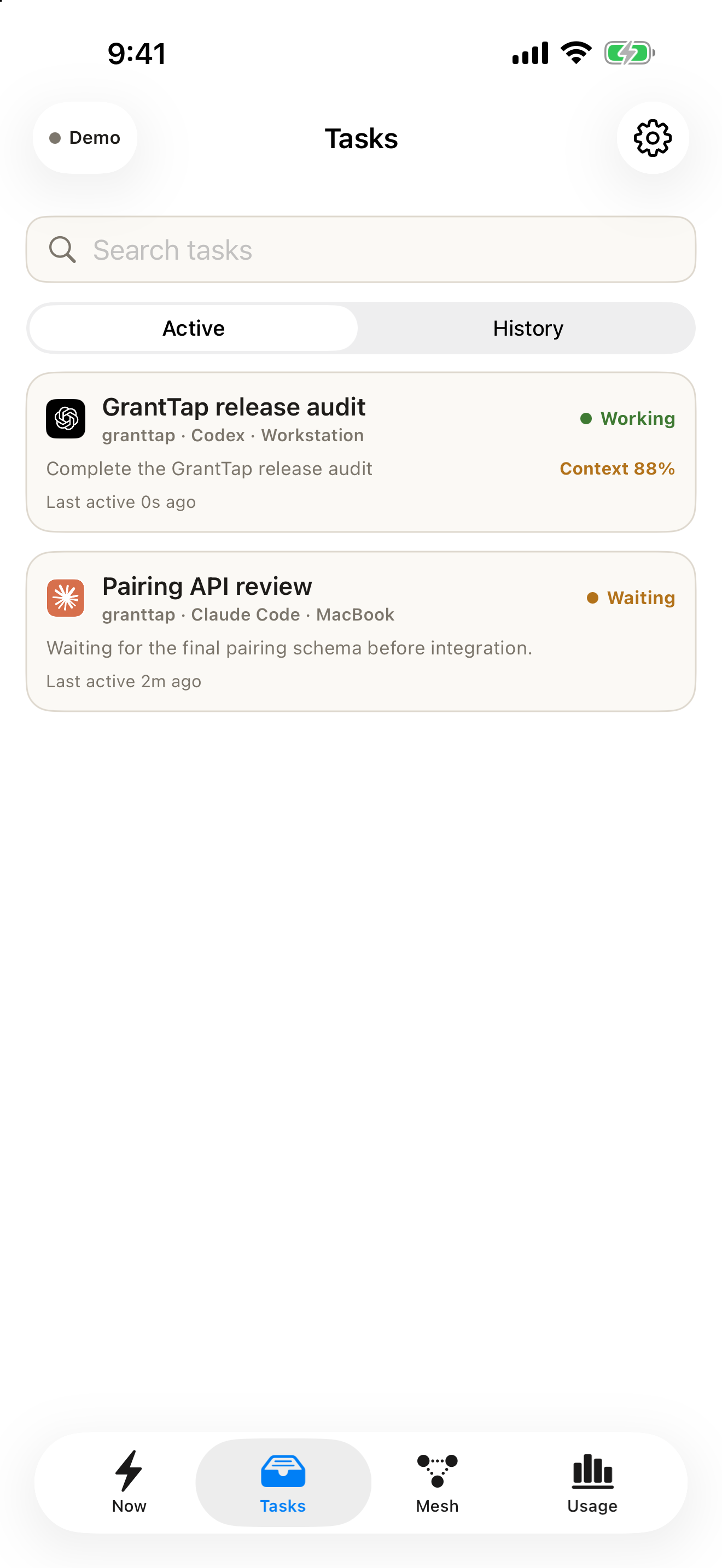
The generated images above deliberately avoid provider branding or fake screenshots. The GrantTap capture below shows deterministic example Tasks, not the Claude, Codex, or Cursor mobile apps. The source links let you inspect each provider's own description. For a single-provider workflow, its native app may be sufficient. For work spanning supported local executions, GrantTap's Task view can add continuity and policy context, subject to the stated limits of each integration.